$14.99Original price was: $14.99.$2.99Current price is: $2.99.
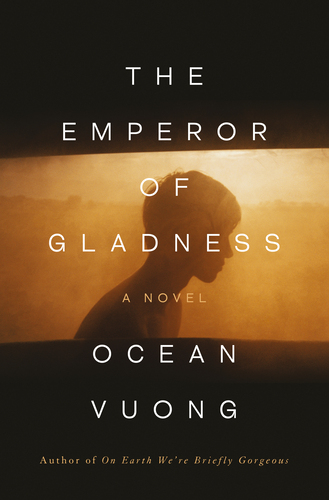
The Emperor of Gladness Ocean Vuong
One late summer evening in the post-industrial town of East Gladness, Connecticut, nineteen-year-old Hai stands on the edge of a bridge in pelting rain, ready to jump, when he hears someone shout across the river. The voice belongs to Grazina, an elderly widow succumbing to dementia, who convinces him to take another path. Bereft and out of options, he quickly becomes her caretaker. Over the course of the year, the unlikely pair develops a life-altering bond, one built on empathy, spiritual reckoning, and heartbreak, with the power to alter Hai’s relationship to himself, his family, and a community at the brink. Following the cycles of history, memory, and time, The Emperor of Gladness shows the profound ways in which love, labor, and loneliness form the bedrock of American life. At its heart is a brave epic about what it means to exist on the fringes of society and to reckon with the wounds that haunt our collective soul. Hallmarks of Vuong’s writing – formal innovation, syntactic dexterity, and the ability to twin grit with grace through tenderness – are on full display in this story of loss, hope, and how far we would go to possess one of life’s most fleeting mercies: a second chance.
$14.99Original price was: $14.99.$2.99Current price is: $2.99.