$14.99Original price was: $14.99.$3.99Current price is: $3.99.
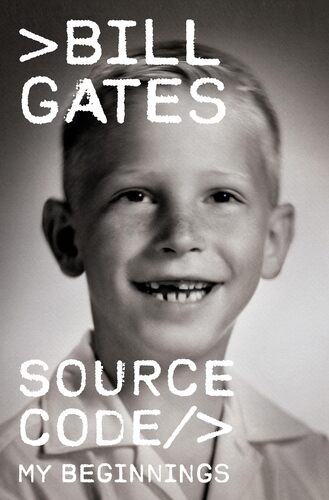
Source Code: My Beginnings Bill Gates
The business triumphs of Bill Gates are widely known: the twenty-year-old who dropped out of Harvard to start a software company that became an industry giant and changed the way the world works and lives; the billionaire many times over who turned his attention to philanthropic pursuits to address climate change, global health, and U.S. education. Source Code is not about Microsoft or the Gates Foundation or the future of technology. It’s the human, personal story of how Bill Gates became who he is today: his childhood, his early passions and pursuits. It’s the story of his principled grandmother and ambitious parents, his first deep friendships and the sudden death of his best friend; of his struggles to fit in and his discovery of a world of coding and computers in the dawn of a new era; of embarking in his early teens on a path that took him from midnight escapades at a nearby computer center to his college dorm room, where he sparked a revolution that would change the world. Bill Gates tells this, his own story, for the first time: wise, warm, revealing, it’s a fascinating portrait of an American life.
$14.99Original price was: $14.99.$3.99Current price is: $3.99.