$14.99Original price was: $14.99.$4.99Current price is: $4.99.
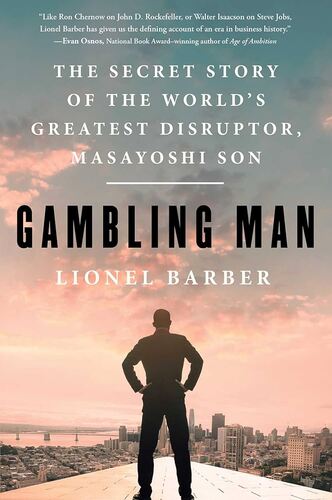
Gambling Man: The Secret Story of the World’s Greatest Disruptor, Masayoshi Son Lionel Barber
As Wall Street swooned and boomed through the last decade, our livelihoods have—now more than ever—come to rely upon the good sense and risk appetites of a few standout investors. And amidst the BlackRocks, Vanguards, and Berkshire Hathaways stands arguably the most iconoclastic of them SoftBank’s Masayoshi Son. In Gambling Man, the first Western biography of Son, the self-professed unicorn hunter, we go behind the scenes of the world’s most monied halls of power in New York, Tokyo, Silicon Valley, Saudi Arabia, and beyond to see how Son’s firm SoftBank has defied conventional wisdom and imposing odds to push global tech and commerce into the future. From the dizzying highs of Uber, DoorDash, and Slack to the epic lows of WeWork and tech-infused dogwalking app Wag Son and SoftBank have been at the center of cutting-edge capitalism’s absolute peaks and valleys. In the process, Son, son of a pachinko kingpin who grew up in a slum in Japan, has been a hero, a villain, and even a meme-ified hero to the internet tech- and finance-bro set all at once. Based on in-depth research and eye-opening interviews, Gambling Man is an unforgettable character study and alarming true story of twenty-first-century commerce that will stick with you long after you turn the final page.
$14.99Original price was: $14.99.$4.99Current price is: $4.99.