$14.99Original price was: $14.99.$4.99Current price is: $4.99.
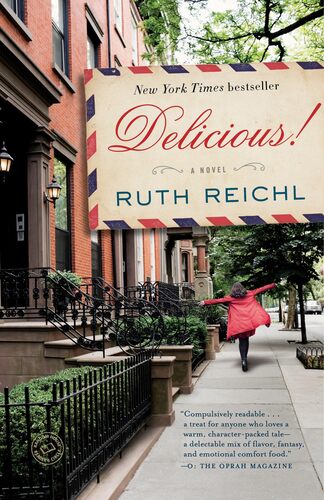
Delicious! Ruth Reichl
Billie Breslin has traveled far from her California home to take a job at Delicious, the most iconic food magazine in New York and, thus, the world. When the publication is summarily shut down, the colorful staff, who have become an extended family for Billie, must pick up their lives and move on. Not Billie, though. She is offered a new job: staying behind in the magazine's deserted downtown mansion offices to uphold the "Delicious Guarantee"-a public relations hotline for complaints and recipe inquiries-until further notice. What she doesn't know is that this boring, lonely job will be the portal to a life-changing discovery. Delicious! carries the reader to the colorful world of downtown New York restaurateurs and artisanal purveyors, and from the lively food shop in Little Italy where Billie works on weekends to a hidden room in the magazine's library where she discovers the letters of Lulu Swan, a plucky twelve-year-old, who wrote to the legendary chef James Beard during World War II. Lulu's letters lead Billie to a deeper understanding of history (and the history of food), but most important, Lulu's courage in the face of loss inspires Billie to come to terms with her own issues-the panic attacks that occur every time she even thinks about cooking, the truth about the big sister she adored, and her ability to open her heart to love.
$14.99Original price was: $14.99.$4.99Current price is: $4.99.