$14.99Original price was: $14.99.$4.99Current price is: $4.99.
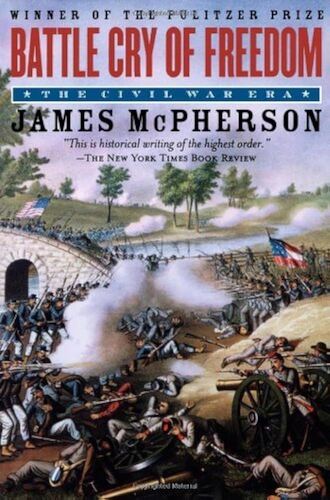
Battle Cry of Freedom: The Civil War Era James M. McPherson
James McPherson's fast-paced narrative fully integrates the political, social, and military events that crowded the two decades from the outbreak of one war in Mexico to the ending of another at Appomattox. Packed with drama and analytical insight, the book vividly recounts the momentous episodes that preceded the Civil War--the Dred Scott decision, the Lincoln-Douglas debates, John Brown's raid on Harper's Ferry--and then moves into a masterful chronicle of the war itself--the battles, the strategic maneuvering on both sides, the politics, and the personalities. Particularly notable are McPherson's new views on such matters as the slavery expansion issue in the 1850s, the origins of the Republican Party, the causes of secession, internal dissent and anti-war opposition in the North and the South, and the reasons for the Union's victory. The book's title refers to the sentiments that informed both the Northern and Southern views of the conflict: the South seceded in the name of that freedom of self-determination and self-government for which their fathers had fought in 1776, while the North stood fast in defense of the Union founded by those fathers as the bulwark of American liberty. Eventually, the North had to grapple with the underlying cause of the war--slavery--and adopt a policy of emancipation as a second war aim. This "new birth of freedom," as Lincoln called it, constitutes the proudest legacy of America's bloodiest conflict.
$14.99Original price was: $14.99.$4.99Current price is: $4.99.