$14.99Original price was: $14.99.$4.99Current price is: $4.99.
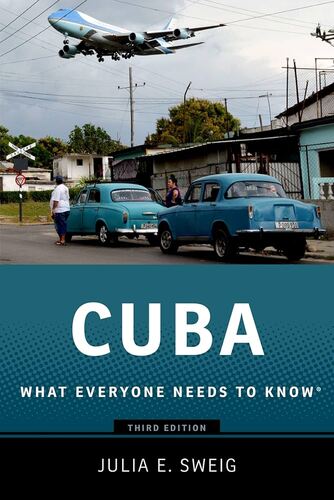
Cuba: What Everyone Needs to Know Julia E. Sweig
Ever since Fidel Castro assumed power in Cuba in 1959, Americans have obsessed about the nation ninety miles south of the Florida Keys. America's fixation on the tropical socialist republic has only grown over the years, fueled in part by successive waves of Cuban immigration and Castro's larger-than-life persona. Cubans are now a major ethnic group in Florida, and the exile community is so powerful that every American president has kowtowed to it. But what do most Americans really know about Cuba itself? In What Everyone Needs to Know , Julia Sweig, one of America's leading experts on Cuba and Latin America, presents a concise and remarkably accessible portrait of the small island nation's unique place on the world stage over the past fifty years. Yet it is authoritative as well. Following a scene-setting introduction that describes the dynamics unleashed since summer 2006 when Fidel Castro transferred provisional power to his brother Raul, the book looks backward toward Cuba's history since the Spanish American War before shifting to more recent times. Focusing equally on Cuba's role in world affairs and its own social and political transformations, Sweig divides the book chronologically into the pre-Fidel era, the period between the 1959 revolution and the fall of the Soviet Union, the post-Cold War era, and-finally-the looming post-Fidel era. Informative, pithy, and lucidly written, it will serve as the best compact reference on Cuba's internal politics, its often fraught relationship with the United States, and its shifting relationship with the global community.
$14.99Original price was: $14.99.$4.99Current price is: $4.99.