$14.99Original price was: $14.99.$4.99Current price is: $4.99.
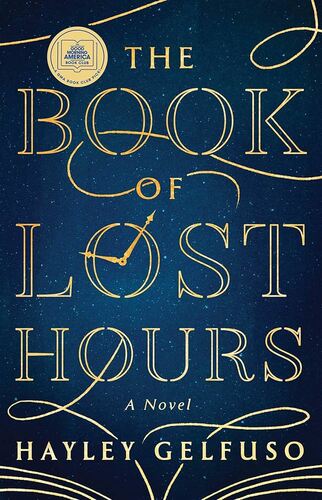
The Book of Lost Hours: A GMA Book Club Pick Hayley Gelfuso
Enter the time space, a soaring library filled with books containing the memories of those have passed and accessed only by specially made watches once passed from father to son—but mostly now in government hands. This is where eleven-year-old Lisavet Levy finds herself trapped in 1938, waiting for her watchmaker father to return for her. When he doesn’t, she grows up among the books and specters, able to see the world only by sifting through the memories of those who came before her. As she realizes that government agents are entering the time space to destroy books and maintain their preferred version of history, she sets about saving these scraps in her own volume of memories. Until the appearance of an American spy named Ernest Duquesne in 1949 offers her a glimpse of the world she left behind, setting her on a course to change history and possibly the time space itself. In 1965, sixteen-year-old Amelia Duquesne is mourning the disappearance of her uncle Ernest when an enigmatic CIA agent approaches her to enlist her help in tracking down a book of memories her uncle had once sought. But when Amelia visits the time space for the first time, she realizes that the past—and the truth—might not be as linear as she’d like to believe.
$14.99Original price was: $14.99.$4.99Current price is: $4.99.