$14.99Original price was: $14.99.$4.99Current price is: $4.99.
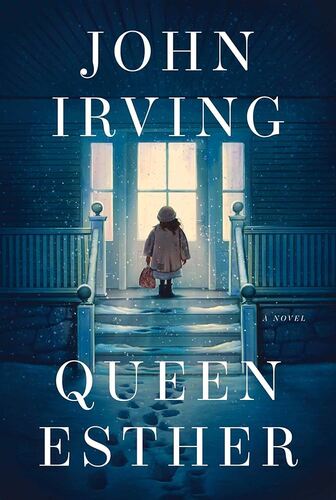
Queen Esther John Irving
Esther Nacht is born in Vienna in 1905. Her father dies on board the ship to Portland, Maine; her mother is murdered by anti-Semites in Portland. Dr. Larch knows it won’t be easy to find a Jewish family to adopt Esther; in fact, he won’t find any family who’ll adopt her. When Esther is fourteen, soon to be a ward of the state, Dr. Larch meets the Winslows, a philanthropic New England family with a history of providing foster care for unadopted orphans. The Winslows aren’t Jewish, but they despise anti-Semitism. Esther’s gratitude for the Winslows is unending; even as she retraces her roots back to Vienna, she never stops loving and protecting the Winslows. In the final chapter, set in Jerusalem in 1981, Esther Nacht is seventy-six. John Irving’s sixteenth novel is a testament to his enduring ability to weave complex characters and intricate narratives that challenge and captivate. Queen Esther is not just a story of survival but a profound exploration of identity, belonging, and the enduring impact of history on our personal lives showcasing why Irving remains one of the world’s most beloved, provocative, and entertaining authors—a storyteller of our time and for all time.
$14.99Original price was: $14.99.$4.99Current price is: $4.99.