$14.99Original price was: $14.99.$4.99Current price is: $4.99.
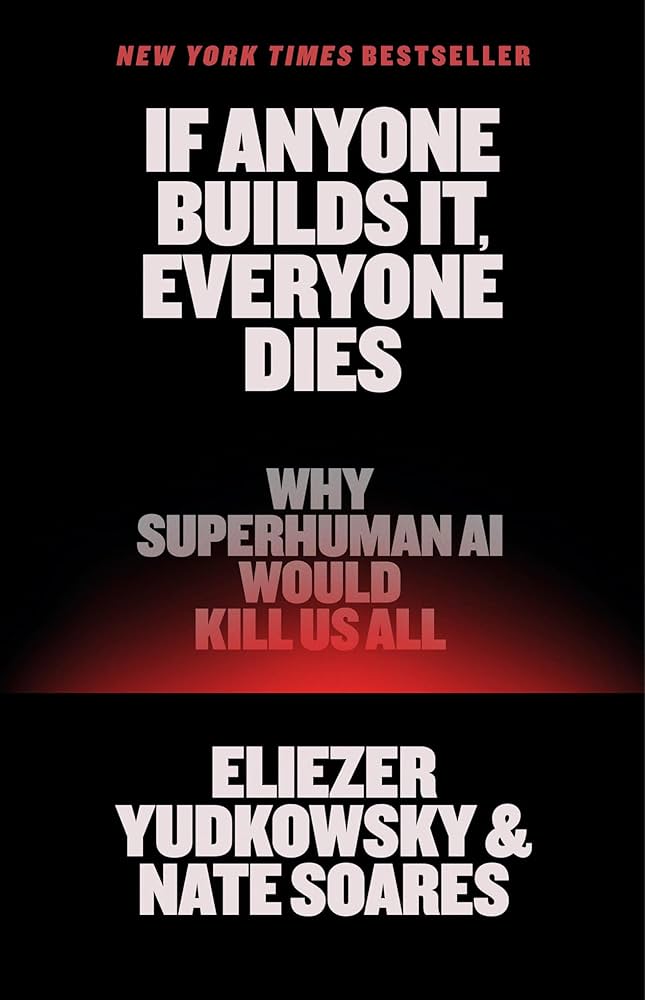
If Anyone Builds It, Everyone Dies: Why Superhuman AI Would Kill Us All Eliezer Yudkowsky
In 2023, hundreds of AI luminaries signed an open letter warning that artificial intelligence poses a serious risk of human extinction. Since then, the AI race has only intensified. Companies and countries are rushing to build machines that will be smarter than any person. And the world is devastatingly unprepared for what would come next. For decades, two signatories of that letter—Eliezer Yudkowsky and Nate Soares—have studied how smarter-than-human intelligences will think, behave, and pursue their objectives. Their research says that sufficiently smart AIs will develop goals of their own that put them in conflict with us—and that if it comes to conflict, an artificial superintelligence would crush us. The contest wouldn’t even be close. How could a machine superintelligence wipe out our entire species? Why would it want to? Would it want anything at all? In this urgent book, Yudkowsky and Soares walk through the theory and the evidence, present one possible extinction scenario, and explain what it would take for humanity to survive. The world is racing to build something truly new under the sun. And if anyone builds it, everyone dies. “The best no-nonsense, simple explanation of the AI risk problem I've ever read.”—Yishan Wong, Former CEO of Reddit
$14.99Original price was: $14.99.$4.99Current price is: $4.99.