$14.99Original price was: $14.99.$4.99Current price is: $4.99.
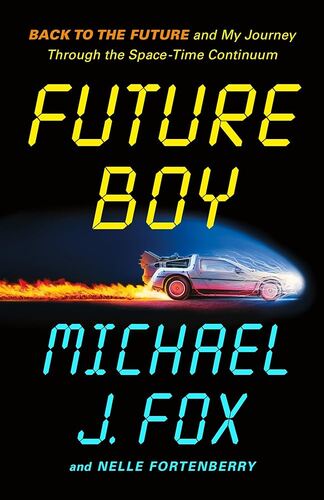
Future Boy: Back to the Future and My Journey Through the Space-Time Continuum Michael J. Fox
In early 1985, Michael J. Fox was one of the biggest stars on television. His world was about to get even bigger, but only if he could survive the kind of double duty unheard of in Hollywood. Fox’s days were already dedicated to rehearsing and taping the hit sitcom Family Ties, but then the chance of a lifetime came his way. Soon, he committed his nights to a new time-travel adventure film being directed by Robert Zemeckis and produced by Steven Spielberg―Back to the Future. Sitcom during the day, movie at night―day after day, for months. Fox’s nightly commute from a soundstage at Paramount to the back lot at Universal Studios, from one dream job to another, would become his own space-time continuum. It was in this time portal that Alex P. Keaton handed the baton to Marty McFly while Michael J. Fox tried to catch a few minutes of sleep. Alex’s bravado, Marty’s flair, and Fox’s comedic virtuosity all swirled together to create something truly special. In Future Boy, Fox tells the remarkable story of playing two landmark roles at the same time―a slice of entertainment history that’s never been told. Using new interviews with the cast and crew of both projects, the result is a vividly drawn and eye-opening story of creative achievement by a beloved icon.
$14.99Original price was: $14.99.$4.99Current price is: $4.99.