$14.99Original price was: $14.99.$2.99Current price is: $2.99.
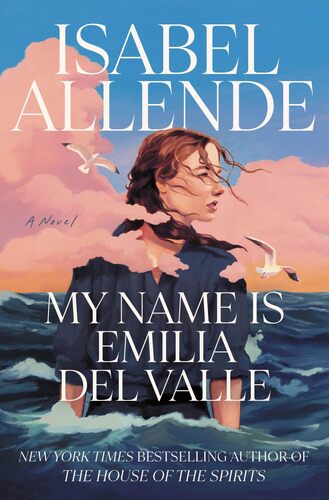
My Name Is Emilia del Valle Isabel Allende
In San Francisco 1866, an Irish nun, left pregnant and abandoned following a torrid relationship with a Chilean aristocrat, gives birth to a daughter named Emilia Del Valle. Raised by a loving stepfather, Emilia grows into an independent thinker and a self-sufficient young woman. To pursue her passion for writing, she is willing to defy societal norms. At the age of sixteen, she begins to publish pulp fiction under a man’s pen name. When these fictional worlds can't contain her sense of adventure any longer, she turns to journalism, convincing an editor at the San Francisco Examiner to hire her. There she is paired with another talented reporter, Eric Whelan. As she proves herself, her restlessness returns, until an opportunity arises to cover a brewing civil war in Chile. She seizes it, along with Eric, and while there, begins to uncover the truth about her father and the country that represents her roots. But as the war escalates, Emilia finds herself in danger and at a crossroads, questioning both her identity and her destiny. A riveting tale of self-discovery and love from one of the most masterful storytellers of our time, My Name is Emilia del Valle introduces a character who will never let hold of your heart.
$14.99Original price was: $14.99.$2.99Current price is: $2.99.