$14.99Original price was: $14.99.$3.99Current price is: $3.99.
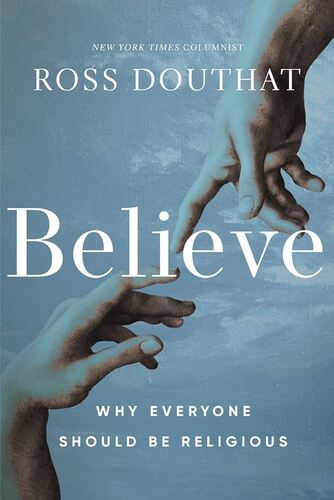
Believe: Why Everyone Should Be Religious Ross Douthat
As a columnist for the New York Times who writes often about spiritual topics for a skeptical audience, Ross Douthat understands that many of us--whether we are agnostic, somewhat religious, or longtime believers--want to have more faith than we do. But we think we can't believe the way our ancestors did, knowing what we know now--can we? With clear and straightforward arguments, Believe shows how religious belief makes sense of the order of the cosmos and our place within it, illuminates the mystery of consciousness, and explains the persistent reality of encounters with the supernatural. Douthat argues that in light of what we know today it should be harder to not have faith than to have it. With empathy, clarity, and rigor, Douthat Why nonbelief requires ignoring what our reasoning faculties tell us about the worldHow modern scientific developments make a religious worldview more credible, not lessWhy it's entirely reasonable to believe in mystical and supernatural realitiesHow an open-minded religious quest should proceed amid the diversity of religious faithsHow Douthat's own Christianity is informed by his blueprint for belief Highly relevant for our current moment, Believe offers a pathway for thinking your way from doubt into belief, from uncertainty about our place in the universe into a confidence that we are here for a reason.
$14.99Original price was: $14.99.$3.99Current price is: $3.99.